Website feedback, straight into webhooks
Send every new report and every change to your own URL as signed JSON, and connect PinMarks to anything you build.
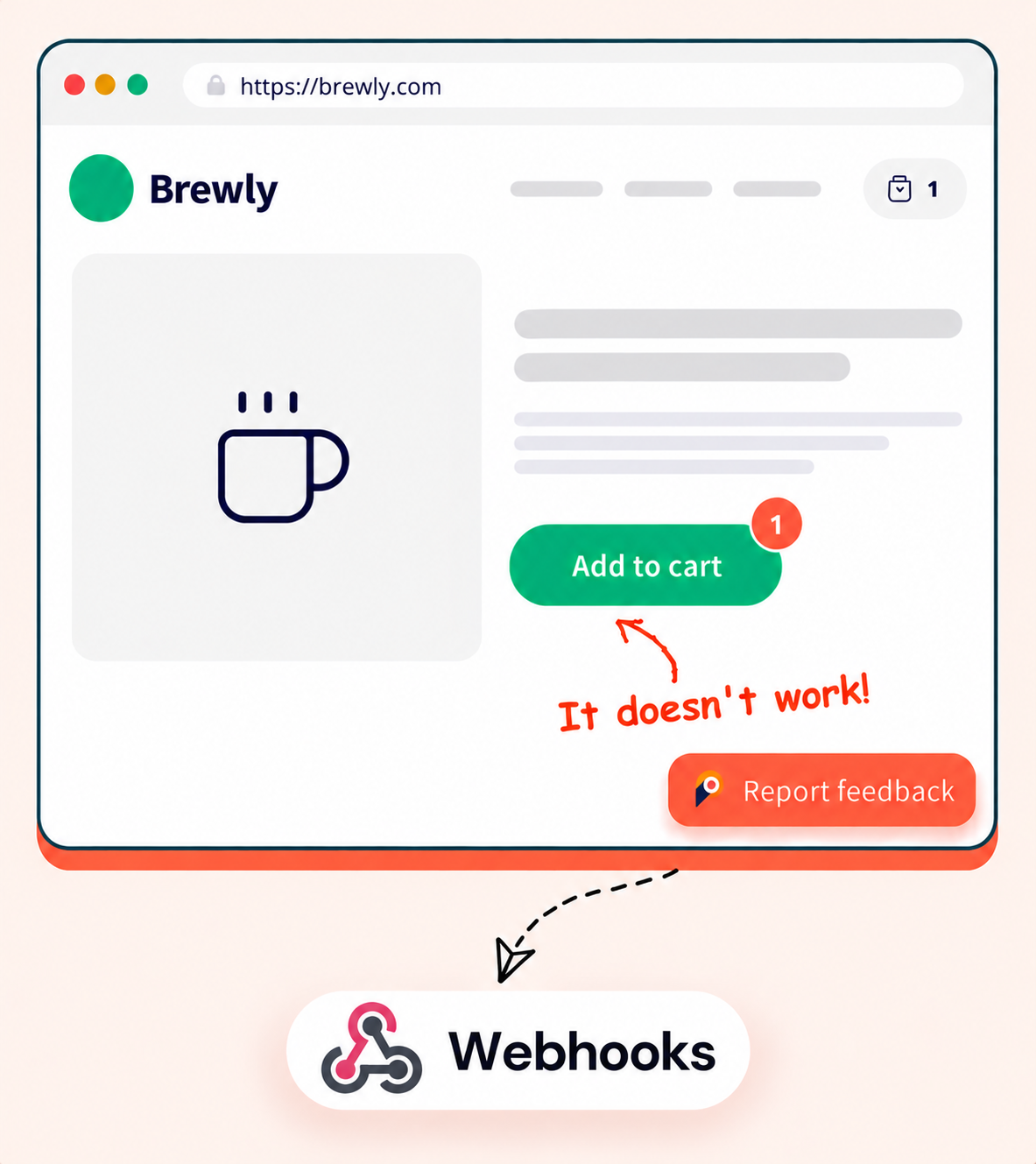
Point at the problem, we send the data
Your visitor clicks on the page, marks what is wrong and presses send. Your own system gets the details a moment later.
Draw right on the page
Draw, highlight and type on a screenshot, so nobody has to explain where the bug is.
Looks like your brand
Pick the widget colors, position and fields to match your site.
Easy to install
Paste one small snippet, or use the browser extension on sites that are not yours.

Know the moment something changes
PinMarks calls your URL when a report is made or changed, so your own tools can react.
X-Pinmarks-Event: feedback.status_changed
X-Pinmarks-Signature: t=1760347800,v1=9f2c…

{
  "event": "feedback.status_changed",
  "project": { "name": "Brewly website" },
  "data": {
    "feedback": {
      "title": "Add to cart button does nothing",
      "status": "resolved",
      "priority": "high",
      "page_url": "https://brewly.com/shop/house-blend"
    },
    "changes": { "status": { "from": "open", "to": "resolved" } }
  }
}
New report
Get a call as soon as someone submits feedback.
Status changed
Know when a report moves from open to resolved, or any other status.
Priority changed
See when someone raises or lowers how urgent a report is.
Type changed
Hear about it when a bug is turned into an idea, or the other way round.
Assignee changed
Know who a report is handed to.
New comment
Get every public comment. Internal notes are never sent.
Add PinMarks to your site in minutes
Paste one snippet on a local, staging or live site, or skip the install and report from any page with the extension.
Snippet code
- Reporters send feedback without signing up
- One script tag, on desktop and mobile
- Fine-tune it with the JavaScript SDK



Browser extension
- Install it from your browser's store in one click
- Report on any site, even without the widget
- Full-page, pixel-perfect screenshots
Works in Chrome, Edge and Firefox.
Find out moreGet started
Up and running in a few minutes
No credit card and no developer needed to set up. Three steps and you are collecting feedback.
- 01Sign up
Start your free trial
Create your account and get 15 days to try every feature of your plan. No credit card needed.
Create your account → - 02Set up
Create a project
Name your project and connect your tracker if you use one, such as Jira, ClickUp or GitHub.
See integrations → - 03Collect
Add the widget
Paste one snippet on your site, or use the browser extension, and collect your first report.
Read the install guide →
FAQ
Frequently asked questions
Everything you need to know before you start collecting feedback.
In your project, open Settings, then Integrations, and add a Custom Webhook with your URL. PinMarks gives you a secret to check each request. You can send a test event to make sure it works.
Every request is signed with your secret. Check the signature header, and ignore requests that are older than five minutes.
PinMarks tries again up to three times: right away, after 30 seconds and after 5 minutes. Your URL must answer with a success code within 10 seconds.
Yes. The delivery log keeps 30 days of requests and lets you send one again.
One per project. Webhooks can run next to an issue tracker like Jira or GitHub. Use a public HTTPS address, because private addresses are blocked.
Stop chasing bugs.
Start pinning them.
Start collecting visual feedback today — fix bugs faster and keep your whole team in the loop.
15-day free trial · No credit card · Cancel anytime