Website feedback, straight into Slack
Every new report shows up in your Slack channel as a clear message, with the screenshot and a button to open it.
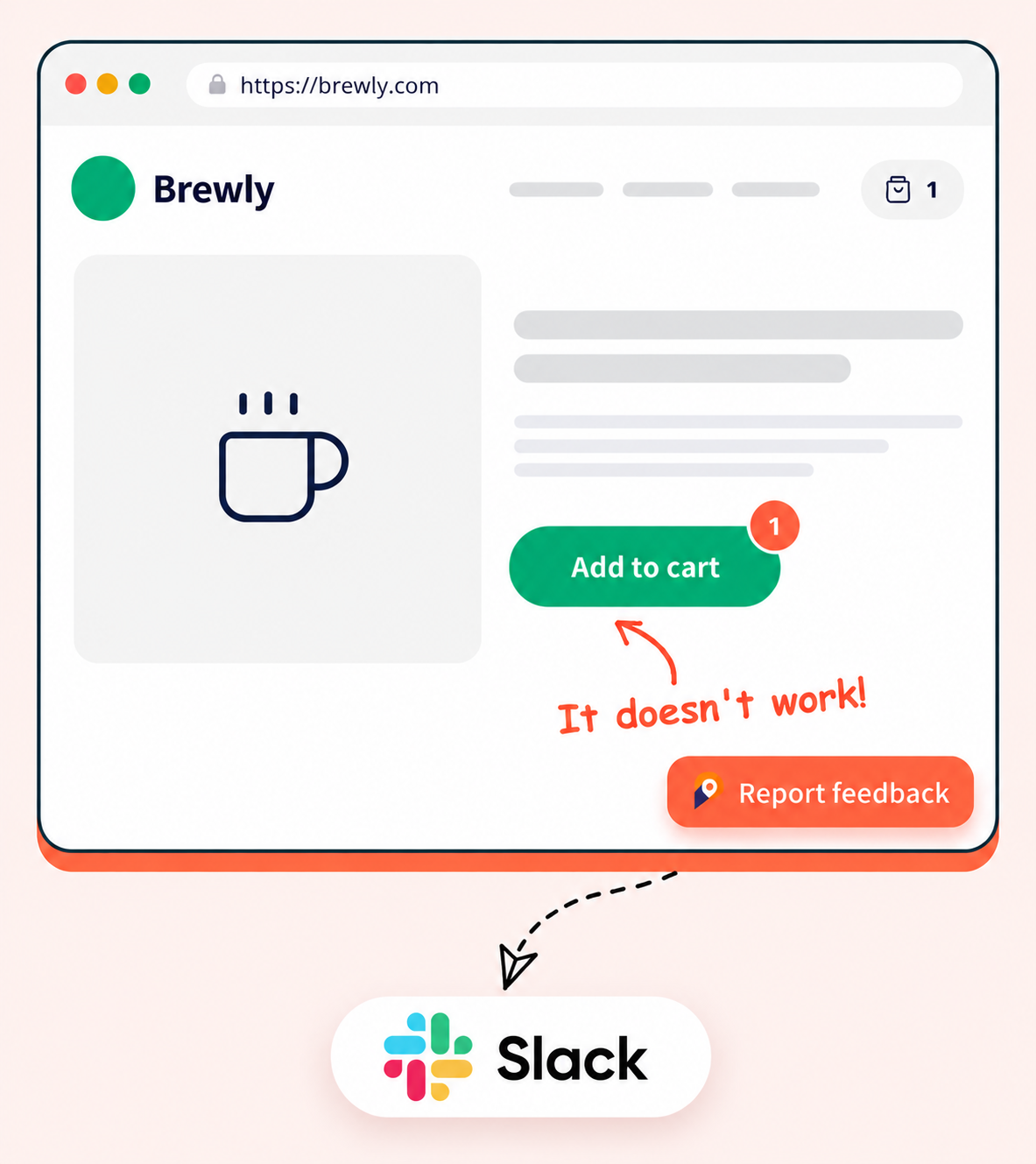
Point at the problem, we post the message
Your visitor clicks on the page, marks what is wrong and presses send. Your team hears about it in Slack right away.
Draw right on the page
Draw, highlight and type on a screenshot, so nobody has to explain where the bug is.
Looks like your brand
Pick the widget colors, position and fields to match your site.
Easy to install
Paste one small snippet, or use the browser extension on sites that are not yours.
Everything in one message
Each report arrives as a clear Slack message, so nobody has to open another tool just to understand it.

PinMarks APP
🐛 New Bug — Brewly website
Add to cart button does nothing
I click Add to cart and nothing happens.
Type:🐛 Bug
Priority:🟠 High
Status:Open
Reporter:Emma Cole
Page:brewly.com/shop/house-blend
Type and priority
See at a glance if it is a bug, an idea or a question, and how urgent it is.
Current status
The message shows whether the report is open, in progress or already resolved.
Who and where
You see who reported it and which page they were on.
The screenshot
The marked-up screenshot is shown right in the message.
One click to open
A button takes you straight to the full report in PinMarks.
Add PinMarks to your site in minutes
Paste one snippet on a local, staging or live site, or skip the install and report from any page with the extension.
Snippet code
- Reporters send feedback without signing up
- One script tag, on desktop and mobile
- Fine-tune it with the JavaScript SDK



Browser extension
- Install it from your browser's store in one click
- Report on any site, even without the widget
- Full-page, pixel-perfect screenshots
Works in Chrome, Edge and Firefox.
Find out moreGet started
Up and running in a few minutes
No credit card and no developer needed to set up. Three steps and you are collecting feedback.
- 01Sign up
Start your free trial
Create your account and get 15 days to try every feature of your plan. No credit card needed.
Create your account → - 02Set up
Create a project
Name your project and connect your tracker if you use one, such as Jira, ClickUp or GitHub.
See integrations → - 03Collect
Add the widget
Paste one snippet on your site, or use the browser extension, and collect your first report.
Read the install guide →
FAQ
Frequently asked questions
Everything you need to know before you start collecting feedback.
Open Integrations in your project, choose Slack and sign in in the small popup window. Then pick the channel where messages should be posted.
The title and description, the type, priority, status, who reported it, the page, the screenshot and a button to open the report in PinMarks.
Slack gets a message for each new report. To reply or change the status, use the button to open the report in PinMarks.
Yes. A project can have one issue tracker, such as Jira or GitHub, and Slack and webhooks can run next to it.
Yes. People only use the PinMarks widget or the browser extension. They never need a Slack login to send feedback.
Stop chasing bugs.
Start pinning them.
Start collecting visual feedback today — fix bugs faster and keep your whole team in the loop.
15-day free trial · No credit card · Cancel anytime